PNG vs JPG: Which Image Format Should You Use?
DecoToolkit Team
Product & Content
## What is the difference between PNG and JPG?
PNG and JPG are two of the most commonly used image formats on the web. Each one has its own strengths and ideal use cases.
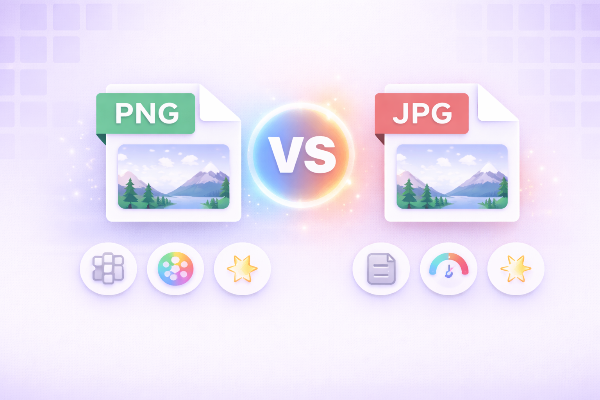
JPG (or JPEG) is designed for compressing photos and images with many colors. PNG is designed for images that require transparency or sharp details.
---
## When should you use JPG?
JPG is best for:
- Photographs
- Complex images with gradients
- Web images where file size matters
Advantages:
- Smaller file size
- Faster loading
- Widely supported
Disadvantages:
- Loss of quality due to compression
- No transparency support
---
## When should you use PNG?
PNG is ideal for:
- Logos
- Icons
- Graphics with text
- Images requiring transparency
Advantages:
- Lossless quality
- Supports transparency
- Sharp edges and details
Disadvantages:
- Larger file size
- Slower loading if not optimized
---
## PNG vs JPG: Quick comparison
- JPG → smaller, faster, lossy
- PNG → higher quality, larger, lossless
---
## How to choose the right format
Use JPG when:
- You need smaller file sizes
- You're working with photos
Use PNG when:
- You need transparency
- You want maximum quality
---
## Optimize your images online
If you want the best performance, you should always optimize your images before uploading them.
You can:
- Compress images to reduce size
- Convert between formats
- Maintain quality while improving performance
Try our tools:
- Compress images instantly
- Convert PNG to JPG or JPG to PNG
- Optimize images for web performance
---
## Conclusion
Both PNG and JPG are essential formats. The right choice depends on your needs: performance vs quality.
Understanding when to use each will help improve your website speed, user experience, and SEO.