How to Compress a PDF (Fast & Free)
Équipe DecoToolkit
Produit & Contenu
## Why compress a PDF?
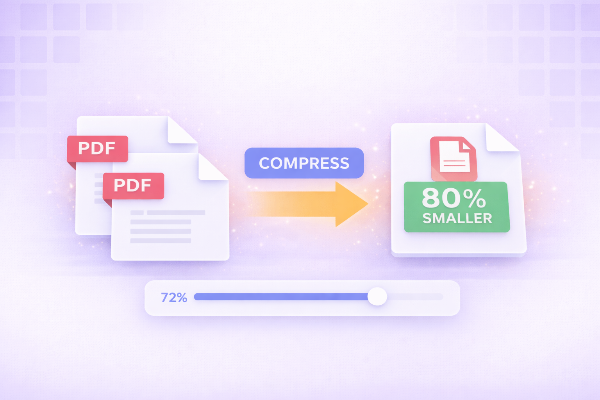
Large PDF files can be difficult to share, upload, or store. Compressing a PDF helps reduce its size without significantly affecting quality.
Common reasons to compress PDFs:
- Email attachments size limits
- Faster uploads
- Saving storage space
- Improving website performance
---
## How to compress a PDF online
Follow these simple steps:
1. Upload your PDF file
2. Choose compression level (if available)
3. Wait a few seconds
4. Download the compressed file
That’s it — no installation required.
---
## Does compression reduce quality?
It depends on the compression level.
- Low compression → better quality
- High compression → smaller size but some quality loss
Most tools balance both to give you the best result.
---
## Best practices for PDF compression
- Use medium compression for most cases
- Avoid compressing multiple times
- Keep original files as backup
- Optimize images inside PDFs when possible
---
## Compress PDFs for different use cases
### Email
Use strong compression to reduce size quickly.
### Printing
Use minimal compression to preserve quality.
### Web upload
Balance size and quality for faster loading.
---
## Use our free PDF compressor
You can compress your PDF instantly using our online tool:
- No installation required
- Works in your browser
- Secure and private
- Fast results
Just upload your file and download the optimized version in seconds.
---
## Conclusion
Compressing PDFs is essential for better performance and usability. With the right tools, you can reduce file size without sacrificing quality.
Start compressing your PDFs now and improve your workflow.